

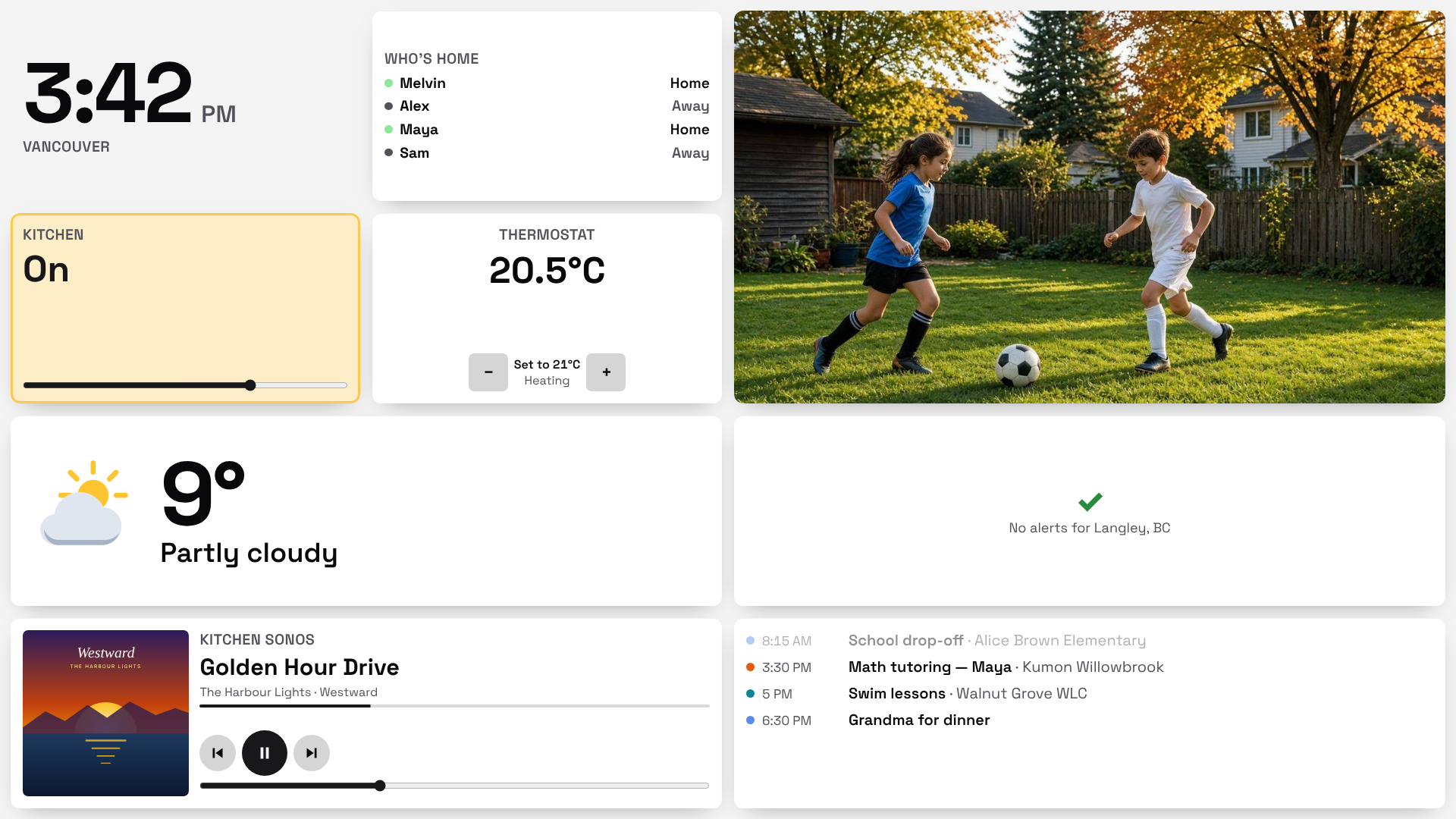
Most Home Assistant wall panels are built by one person for one person. They're full of switches, graphs and sensor names that make sense to whoever wrote the YAML, and the rest of the family walks past. A panel the family uses leads with what they look for (the time, the weather, today's plans, dinner) and keeps the home controls a tap away, big and plain.
Lead With the Family, Then the House
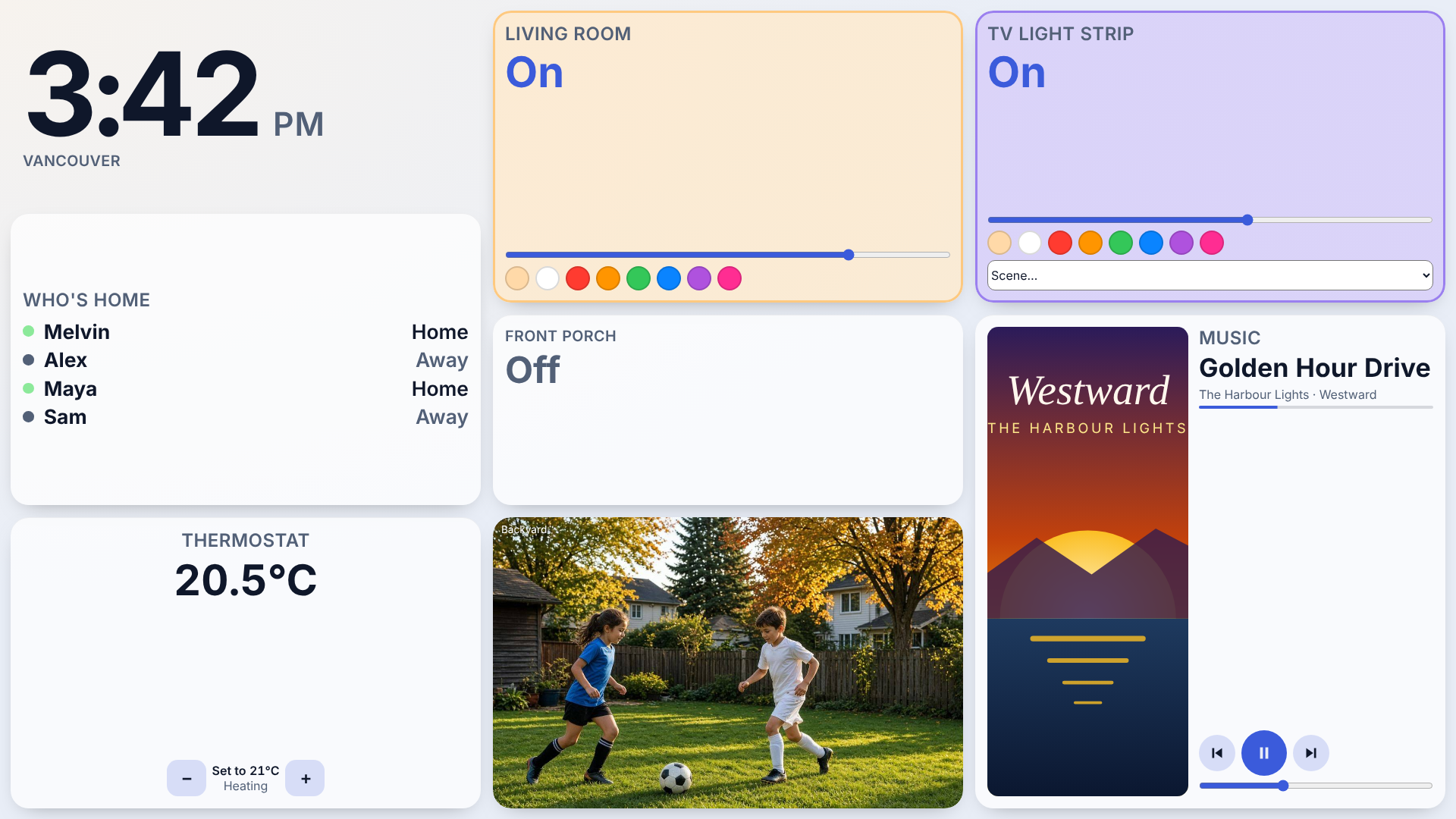
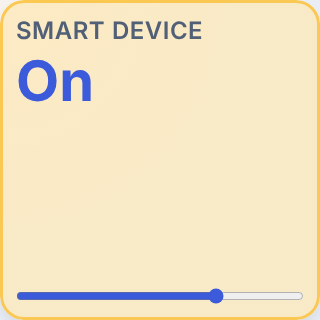
The Smart Home starter template is a good balance: the clock, the weather and today's schedule for everyone, with who's home, a camera, music, the alert strip and a couple of device tiles for the house. Each Home Assistant tile is one entity, drawn by type: a toggle, a light with brightness, a sensor, a thermostat, a cover, a lock or a button.
Safe Enough for a Kitchen
- Locks lock, never unlock. Anyone standing in the kitchen can tap the screen, including a visitor or a toddler, so unlocking stays in the Home Assistant app.
- Only entities on a tile can be controlled, each with a fixed set of actions. The wall never talks to Home Assistant directly; Everydaypane's server does, with your token stored encrypted.
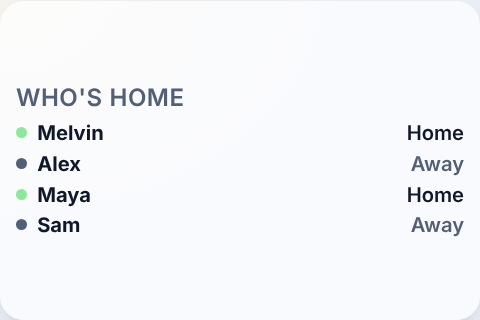
- Who's home is read only. The presence tile shows who's in and out, from person and device tracker entities, and can't change them.
Cameras, the Doorbell and Music
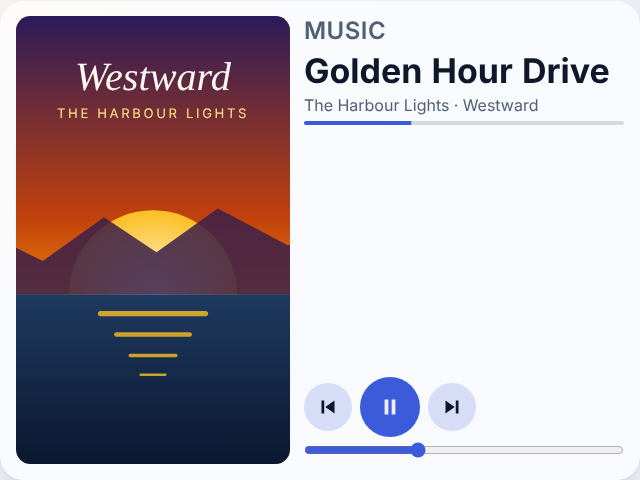
UniFi Protect and other cameras in Home Assistant show as snapshots refreshed on a timer, which is far lighter on a wall tablet than a live stream. When the doorbell rings, every display shows that camera full screen for a few seconds. The Music widget drives a Sonos or Spotify media player: what's playing, play and pause, skip, volume and favourites.

Motion Wakes the Screen
On Household, the screen saver can turn the wall into a photo frame or go dark when nobody's using it. Add up to five Home Assistant motion sensors and the wall wakes when someone walks into the kitchen, then stays awake while the sensor sees them.
Reach Home Assistant Without Nabu Casa
Everydaypane reaches Home Assistant through a public address. A free Cloudflare Tunnel, locked with Cloudflare Access so only Everydaypane's service token gets in, does the job without opening a port. The full walkthrough is in Reach Home Assistant Through a Cloudflare Tunnel.
Tip. No Home Assistant? Nest, ecobee, SmartThings, Govee, Philips Hue and LIFX connect directly from Settings › Smart home, and draw the same tiles.
Free or Household
Home Assistant tiles, cameras, the doorbell pop-up, music, who's home and the screen saver are part of Household. The calendar, weather, clock and photos around them are on Free.
Ready to try it? Start Free on Everydaypane.