

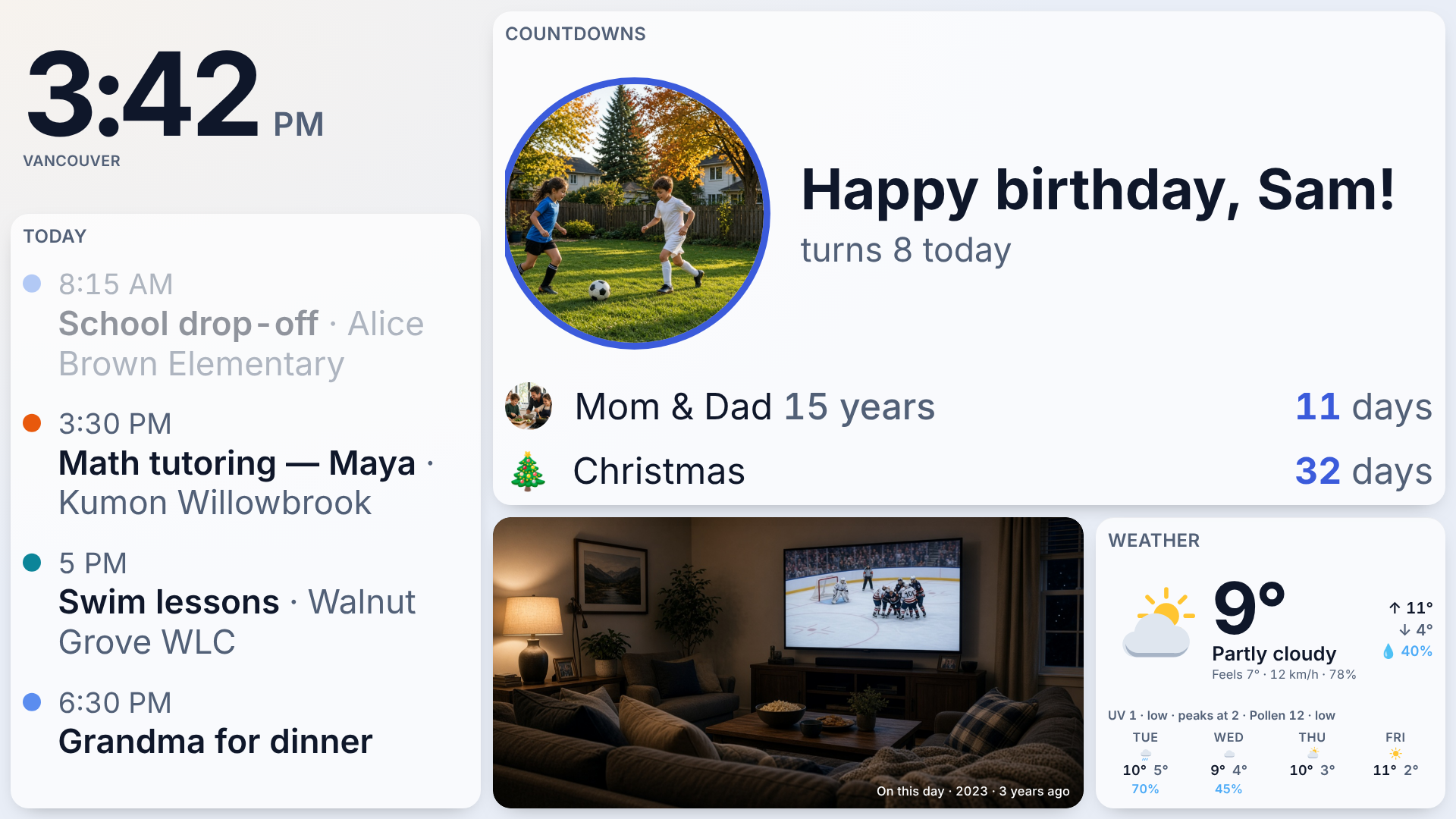
Kids ask how many days until their birthday the way adults check the weather: every morning. Grandparents' anniversaries and a cousin's birthday tend to sneak up on everyone else. A countdown on the kitchen wall answers the first and fixes the second. On the day, it does something nicer than a calendar entry: it puts the person's photo up large and says happy birthday.
Add the Dates Once
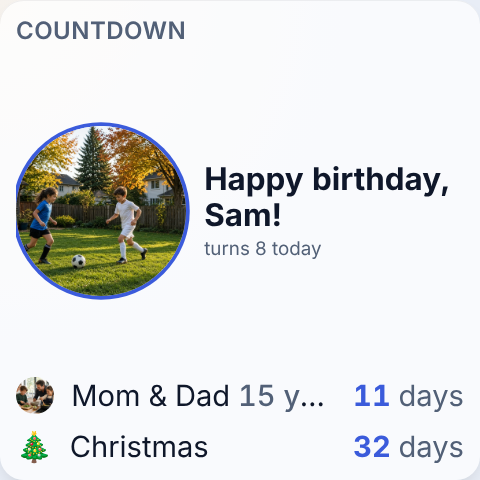
Open the Countdowns widget's settings and add each date with a name, the date and an emoji. Choose Birthday and the wall works out the age they're turning ("Sam turns 9 in 12 days"); choose Anniversary and it counts the years ("Mom and Dad, 15 years"). Birthdays and anniversaries come back every year on their own. Holidays and one-off events like a trip or a graduation go in the same list.
A Photo for Each Date
Each date can carry one photo. It shows as a small circle next to the countdown all year, and on the day it fills the tile: "Happy birthday, Sam!" with their picture. That's on by default (Celebrate on the day), and can be switched off per widget if you'd rather keep the list.
Make the Day Feel Like the Day
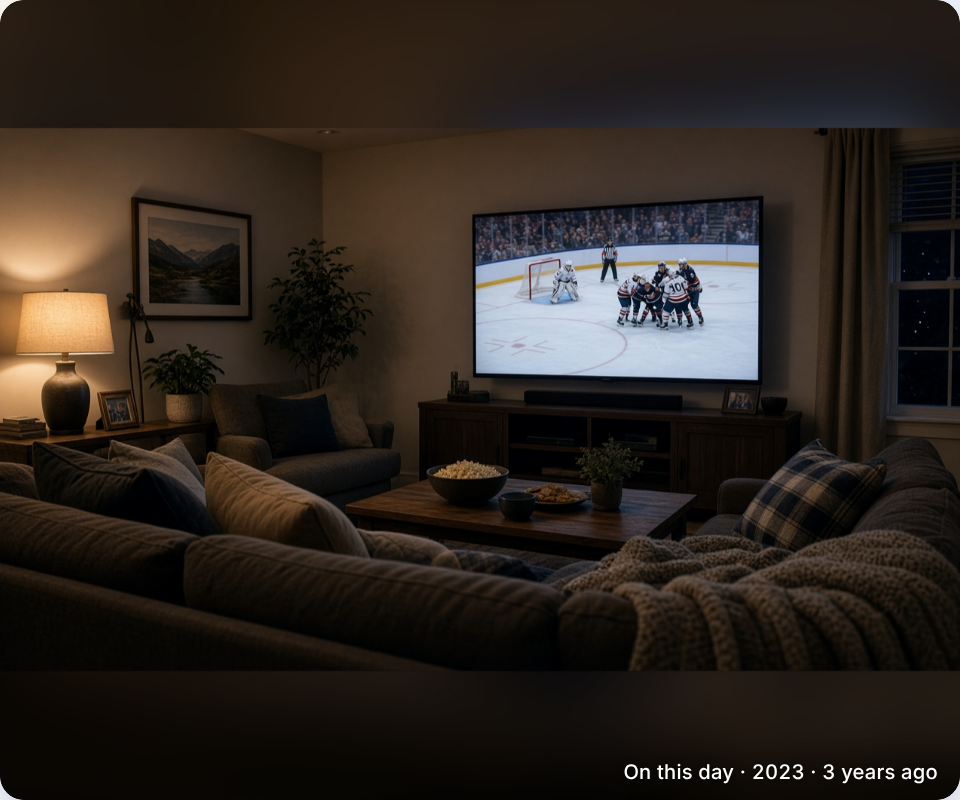
Pair the countdown with a Photos widget showing an album of the birthday kid, and the whole wall becomes theirs for the day. The photo frame puts photos taken on this day in earlier years first, so last year's party comes up on its own.
Birthdays Already in Your Calendar?
Keep them there. The calendar widgets and the morning brief show calendar events as usual; countdowns are for the dates you want counted down and celebrated on the wall. The morning brief mentions a birthday from your countdowns in its one-line summary of the day.
Where It Fits on the Wall
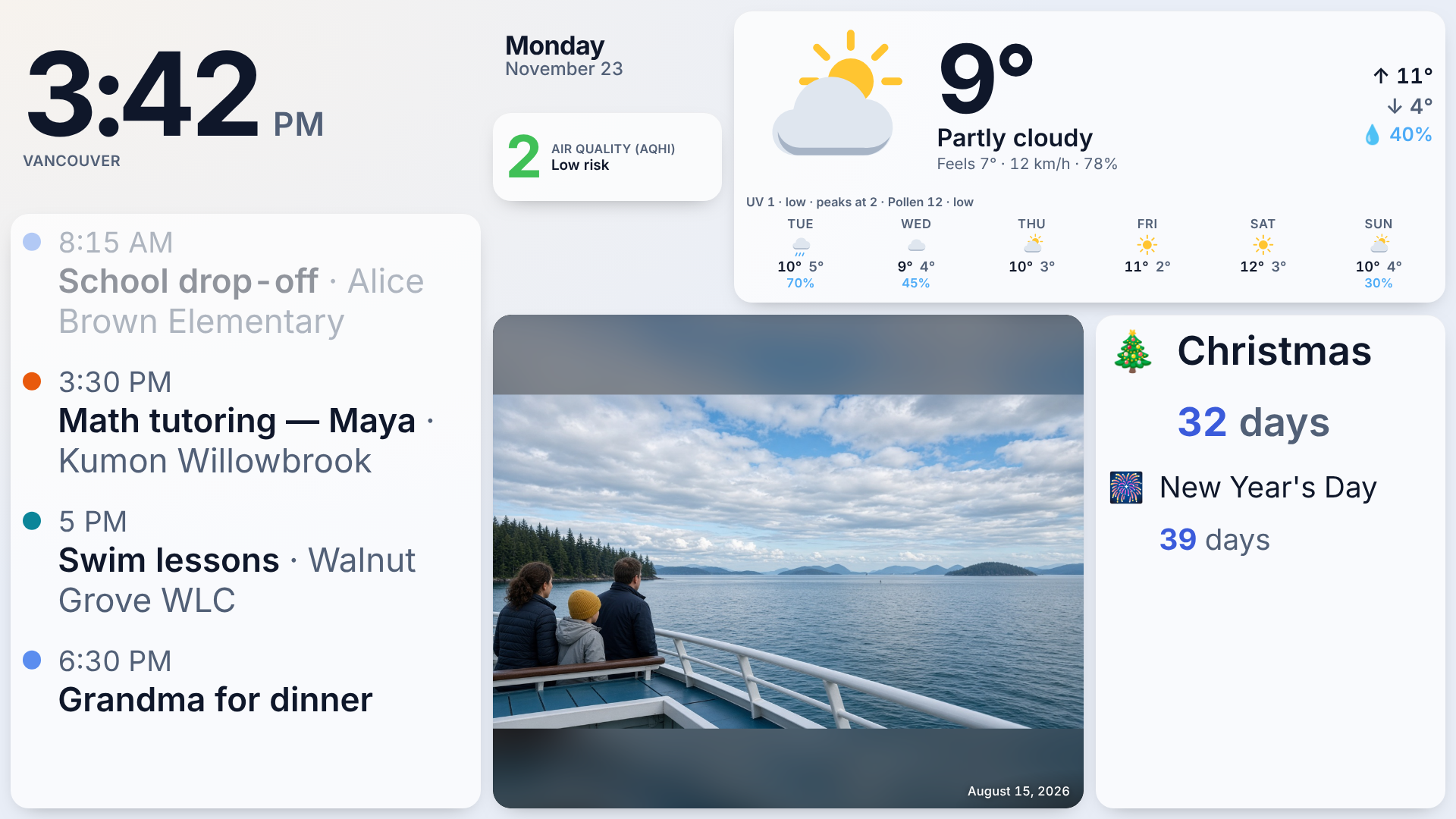
Countdowns work in a small corner of almost any layout. The Kitchen Glance starter template keeps them next to a photo, the clock, the weather and today's schedule, and Week Planner puts them beside the week.
Free or Household
Countdowns, birthdays, anniversaries and photos are on the Free plan. The morning brief, meals and the shopping list are part of Household.
Ready to try it? Start Free on Everydaypane.