

A family command centre is the spot where the week gets organised: the calendar, the chore chart, the meal plan, the note that says the permission slip is due. Most are corkboards and whiteboards that are out of date by Wednesday. A screen fixes that. It updates itself from the calendars and phones you already use, and everyone sees the same thing. Here are nine ideas, each one a real Everydaypane layout you can start from.
1. The Calendar Wall
The month at a glance with this week's details beside it. Each calendar keeps its own colour, so it's easy to see whose day is busy. A Free starter template.
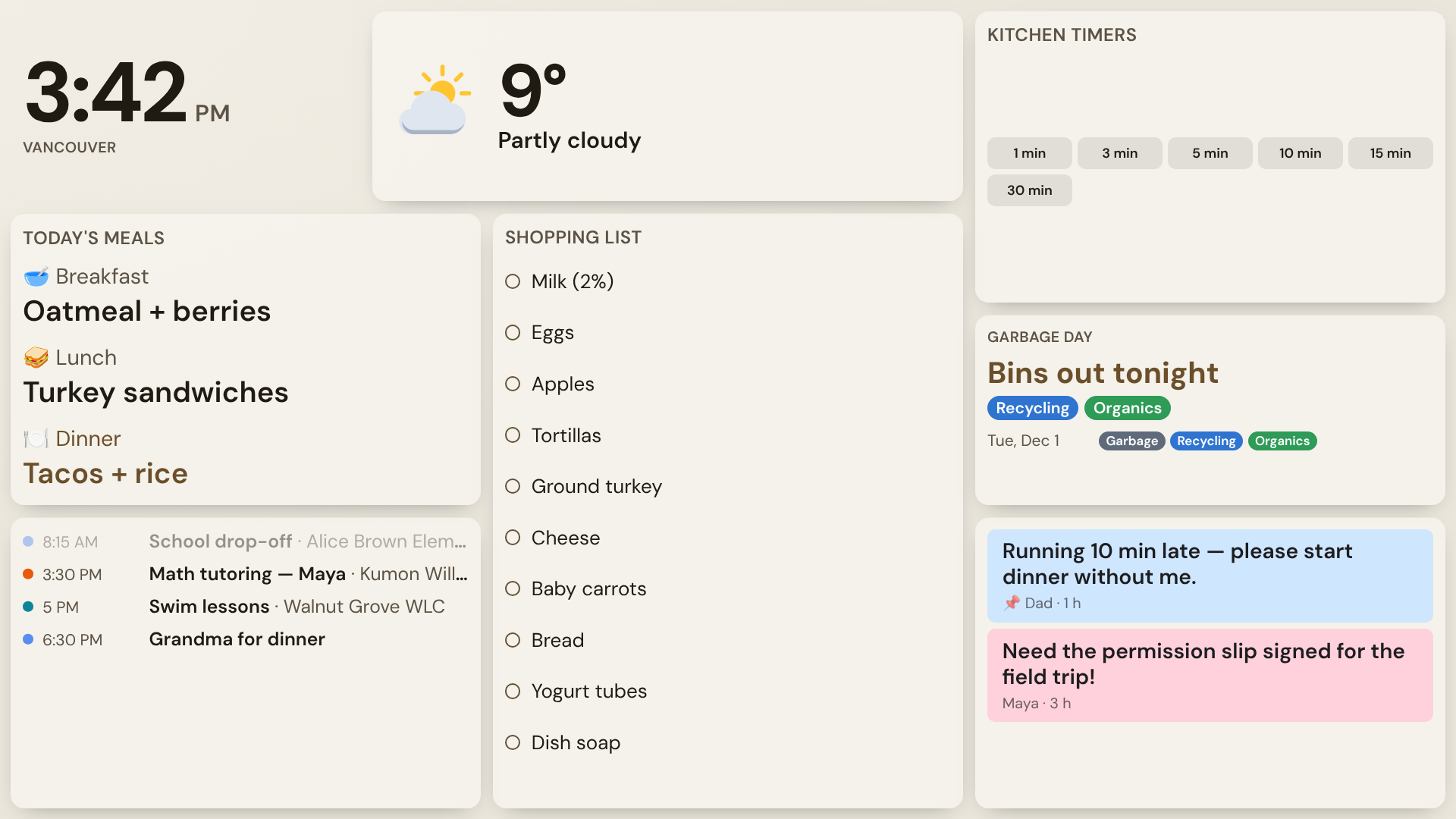
2. The Kitchen Command Post
Everything a busy kitchen asks about: today's meals, the shopping list, kitchen timers, garbage day and the family's notes. Shopping items tick off with a tap and the list updates on everyone's phone.
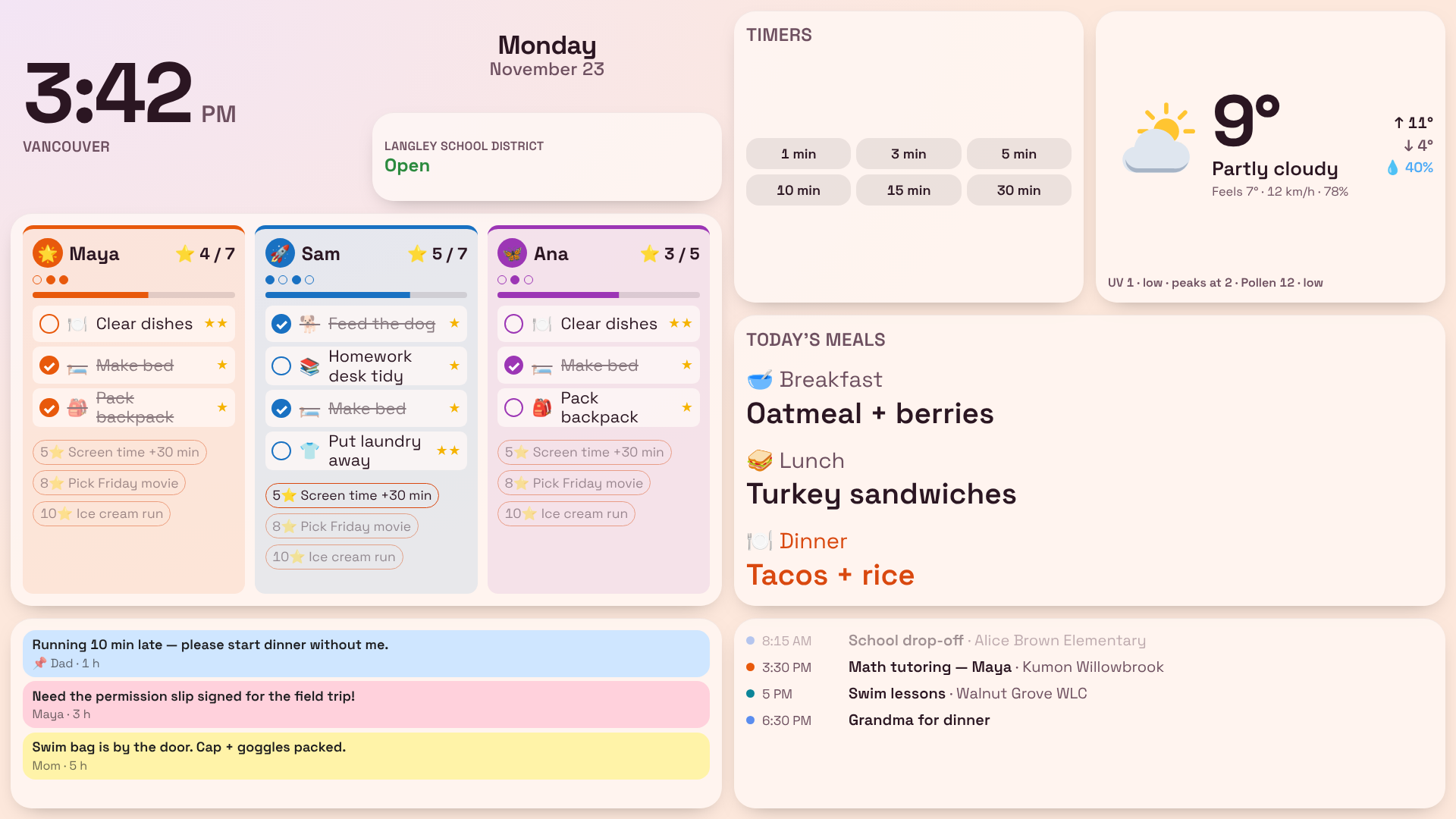
3. The Kids' Routine Board
A chore chart split into morning, afternoon and evening, with stars, a weekly goal and rewards the kids can save up for. Kids tick chores off on the wall or on their own phone page.
4. The Meal Plan and Shopping Station
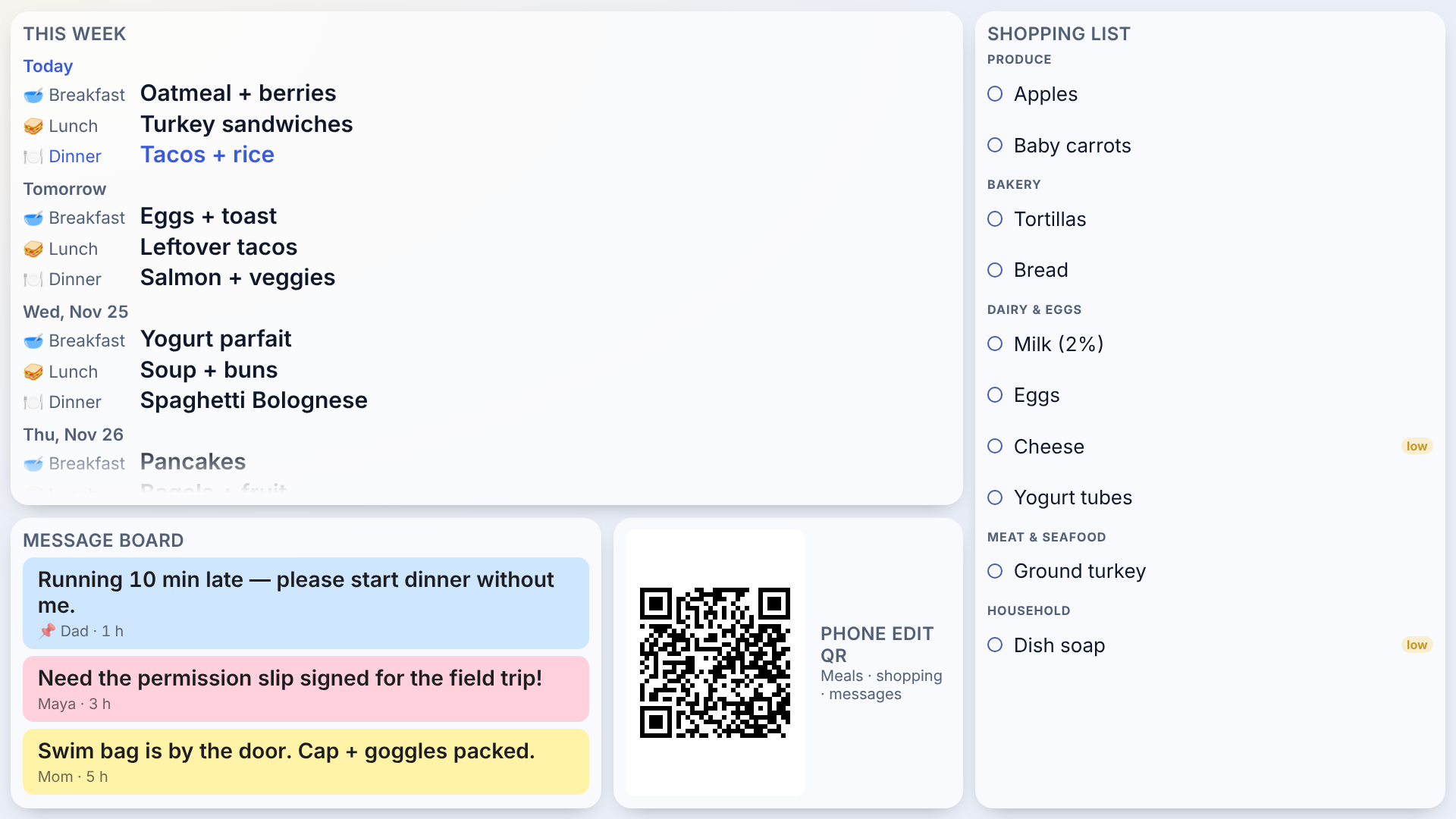
The week's breakfasts, lunches and dinners next to the shopping list, grouped by aisle. Plan from any phone. Repeating meals like taco Tuesday fill themselves in.
5. The Family Message Board
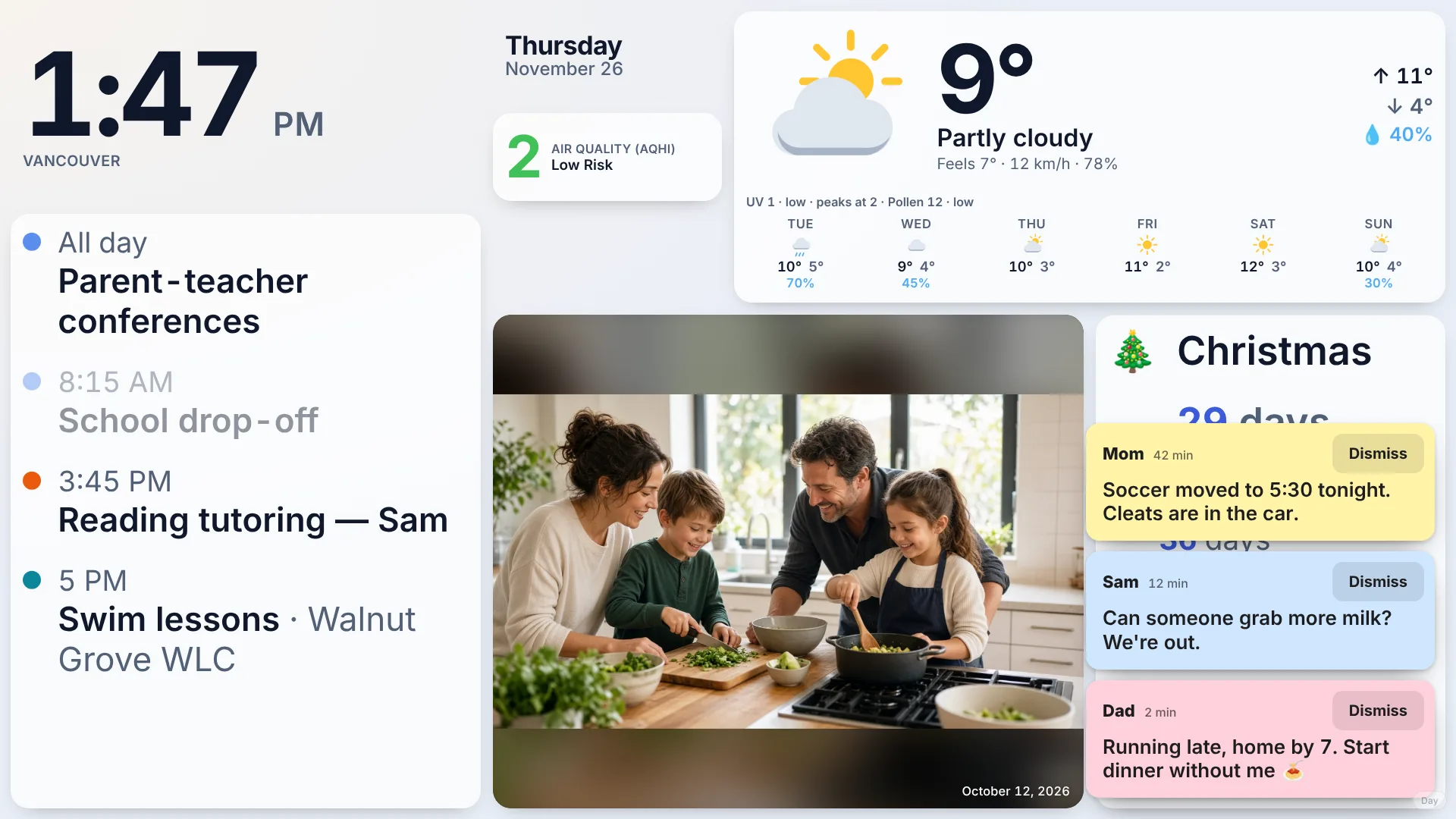
Notes from phones show on the wall in the sender's colour. Turn on Message Pop-Ups and each new note also appears in the corner until someone taps Dismiss, so “we're out of milk” doesn't get missed.
6. The Morning Launch Pad
For the 20 minutes before everyone leaves: a big clock, the weather, and a Morning Brief that reads the day in one sentence. Rain at 3, swim at 5, bins out tonight. How the morning brief works.
7. The Commute Corner
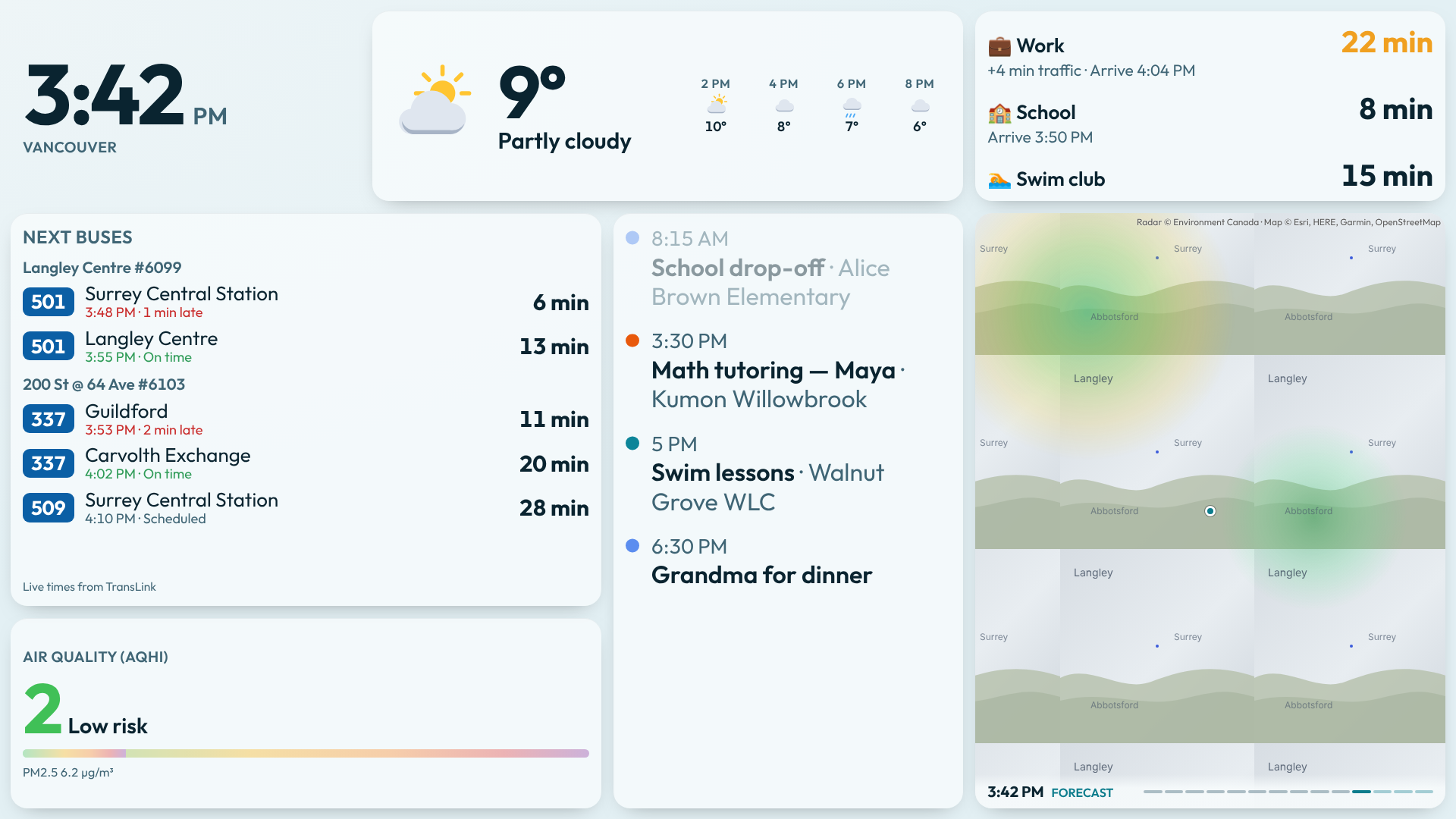
Live drive times with a “leave by” time, the next buses from your stops, and highway cameras. Good near the front door.
8. The Photo Frame for Quiet Hours
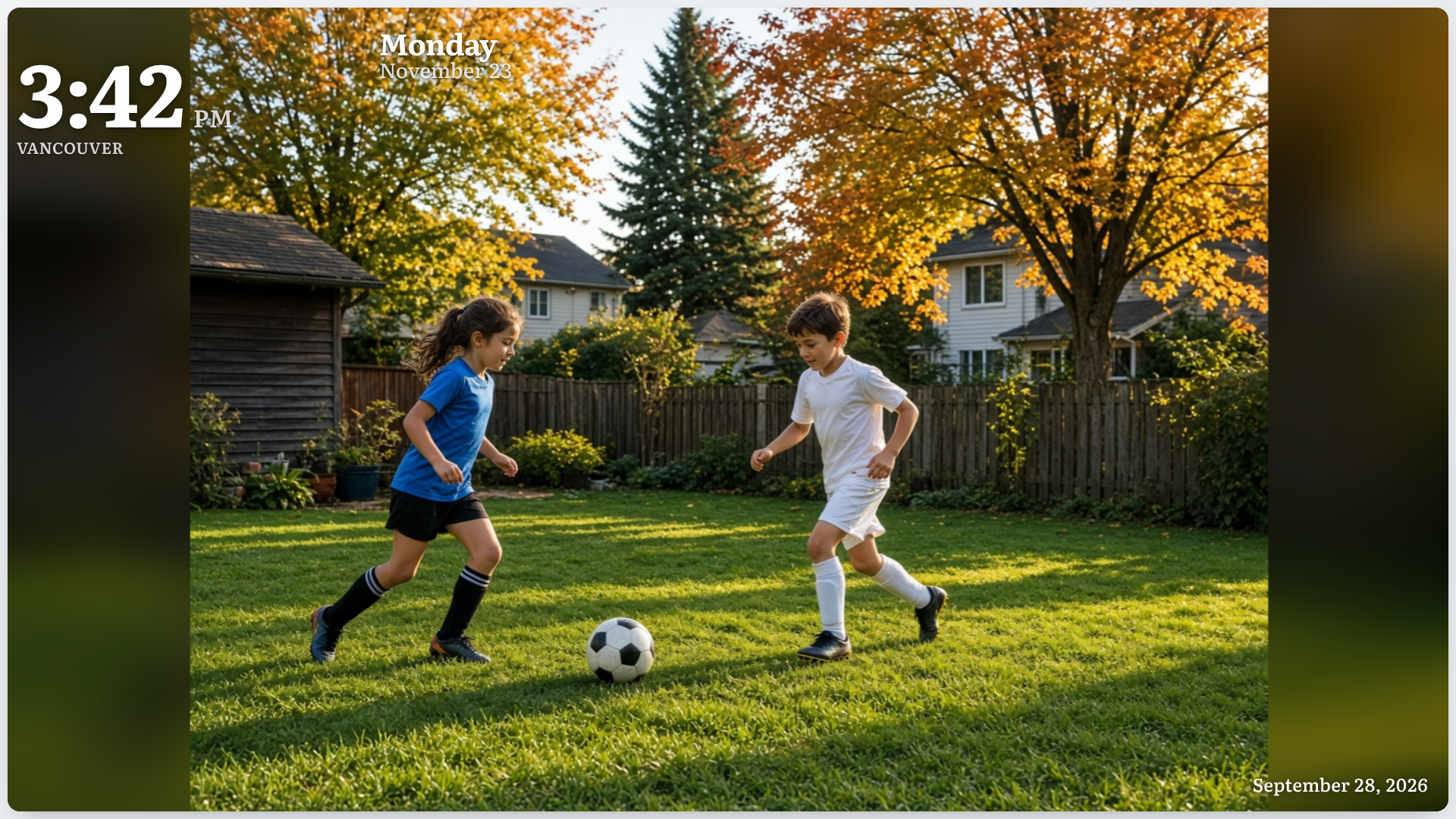
When nobody's touched the screen for a while, the wall becomes a photo frame and the dashboard comes back with one tap. Family members can add photos from their phones, and new ones show up next.
9. The Two-Time-Zone Family
Grandparents in another province or a parent who travels? Two clocks side by side, with the weather and the day ahead.
Mix and Match
Every one of these starts from a template and ends up yours. Drag tiles, resize them from any corner, set each tile's background and font size, and schedule different layouts for morning, afternoon, evening and overnight. All of it is edited from your phone while the wall shows a live preview.
Tip. Calendar Wall, Kitchen Glance, Simple Day, Week Planner, Two Cities, Photo Frame and Night Clock are Free. Chores, meals, shopping, the message board and the morning brief are part of Household.
Ready to try it? Start Free on Everydaypane.